søndag, februar 10, 2008
MacOS 10.5 and Apache httpd 2.2
Httpd 2.2 is included, but when I turned on web sharing, I got 403 for my personal page.
The solution is found in: http://www.gigoblog.com/2007/11/08/configure-apache-web-sharing-for-user-accounts-in-mac-os-x-105-leopard/
more stuff on: Apache Web-Serving with Mac OS X.
Tomcat connector (in progress...)
I downloaded and installed Tomcat 6.0.16, and tried to connect it to Apache. References:
tomcat connector, Installing Apache Tomcat 6 on Mac OS X Leopard
, but in the end I just did ProxyPass ajp://localhost:8009/
Some locations and commands:
sudo apachectl restart
/usr/libexec/apache2/
/private/etc/apache2/httpd.conf
Domain...
See: How to Turn Your Mac Into a Web Server, MacDevCenter.com -- A DNS Primer,
More:
Apple - Creating a Website (iWeb guide),

Om meg
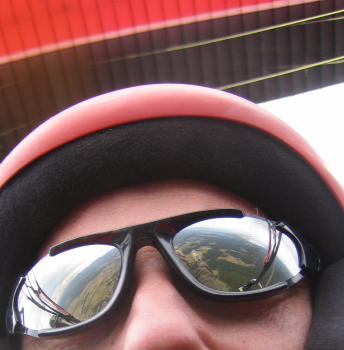
- Tommy
- Introvert, nerd, pragmatic and restless. Paraglider pilot since 1998, doing long distance flights, competitions and aerobatics. Grounded with children since 2008. Sivilingeniør (~MSc degree) in Cybernetics Engineering since 1994. I have programmed since 1986, professionally since 1995. I am more of a generalist than a specialist, having done many computer languages and having had to fill most roles in application development. I consider myself a pragmatic craftsman.